Migration to Nutanix - Part 4
In Part 1 I deployed the Nutanix Move appliance, in Part Two I tested a migration of a Windows 2019 Server from Hyper-V to AHV. Then in Part 3 I tested migration of Windows 2012 and Windows 2008 R2 from ESX to AHV.
In this lab I am going to migrate some legacy Linux systems from ESX to AHV, these are some of the oldest supported Linux versions for each distribution
• Ubuntu Linux 18 (64 bit)
• Red Hat Enterprise Linux 7.7 (64 bit)
• SUSE Linux Enterprise 12 SP3 (64 bit)
• Rocky 8.10
• Centos 7.0
See Nutanix documentation for supported systems
[IMPORTANT] Tests are limted to systems that use BIOS firmware, Nutanix CE has issues with UEFI, licenced or NFR versions of Prism do not have the same limitation.
Test Lab
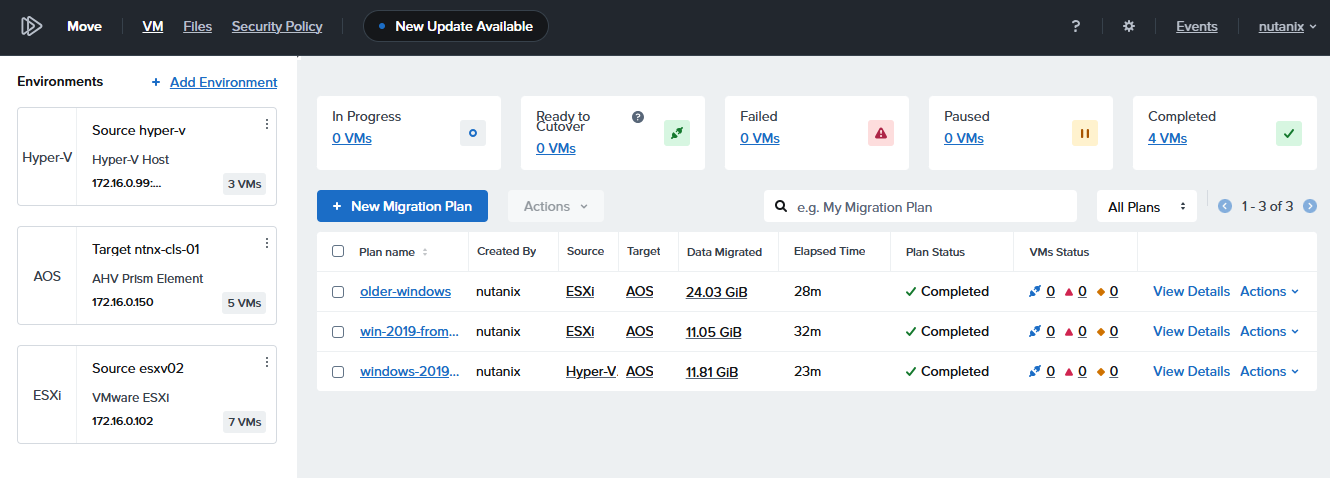
Create New Migration Plan
From the Move Console create a New Migration Plan
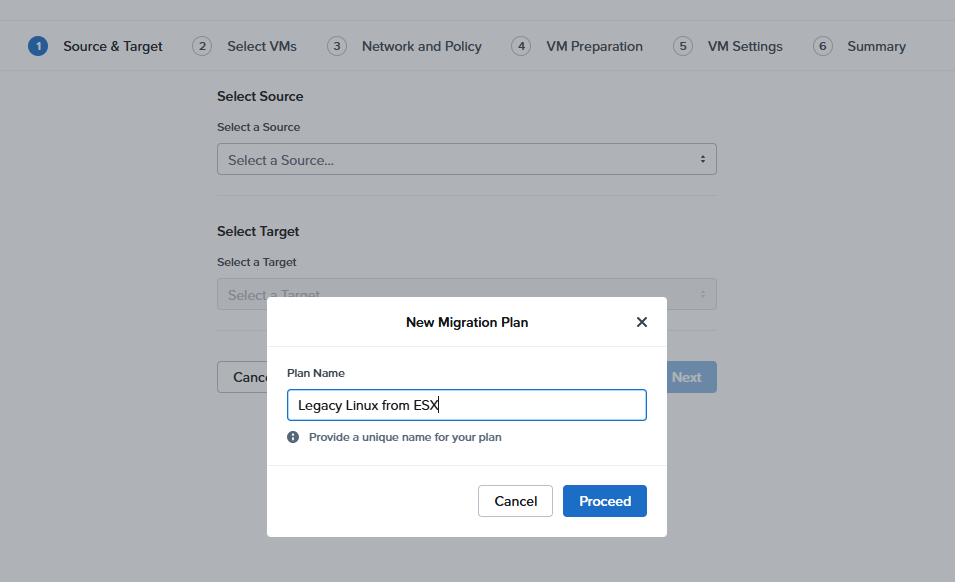
Source and Target
Select ESX as source and Nutanix cluster as target
Select VMs
Select the Linux VMs (Note if any have a warning advising that migration is not supported)
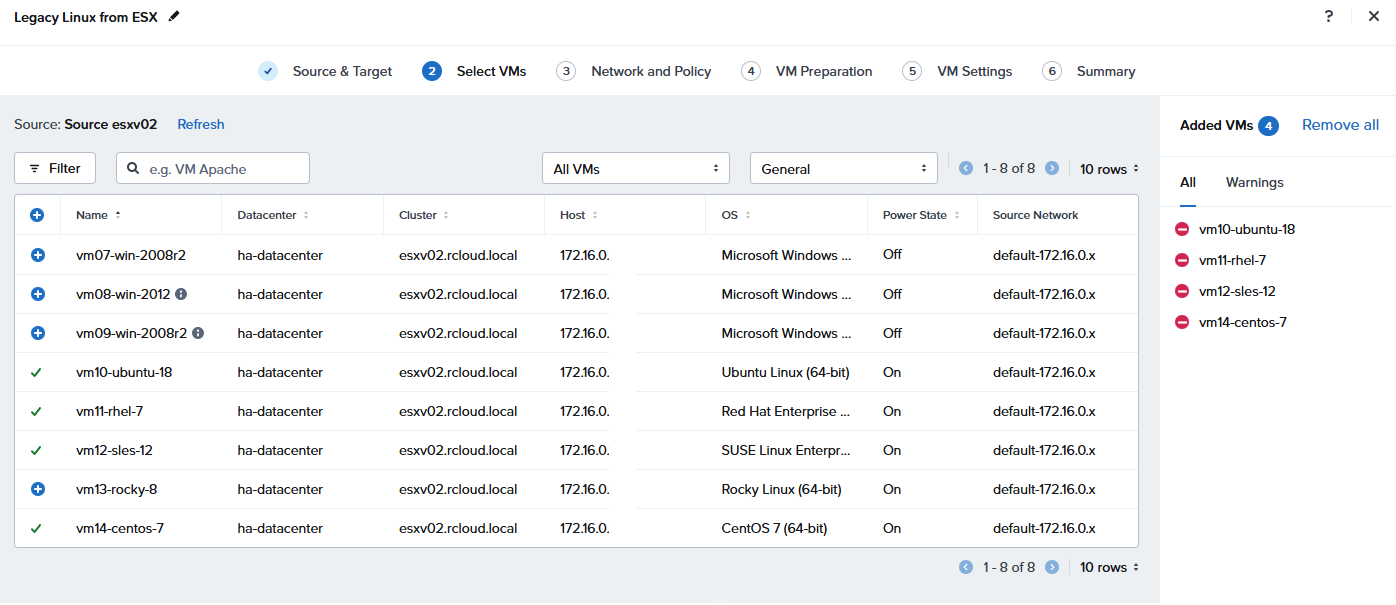
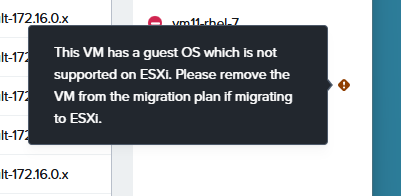
After moving Rocky Linux 8 to the migration plan the warning below apears, I didn’t really process this warning at first and removed the machine from the > plan. However while Rocky Linux is not supported on ESX it is supported by AVH and Move, I had a similar message in Part 5 with a Windows Server 2025 > left it in the plan and had no problems.´´´
Network
Select the target Network
Prepare VMs
Choose manual preparation as these are legacy systems, and we want to be sure the VirtIO drivers are installed prior to cutover
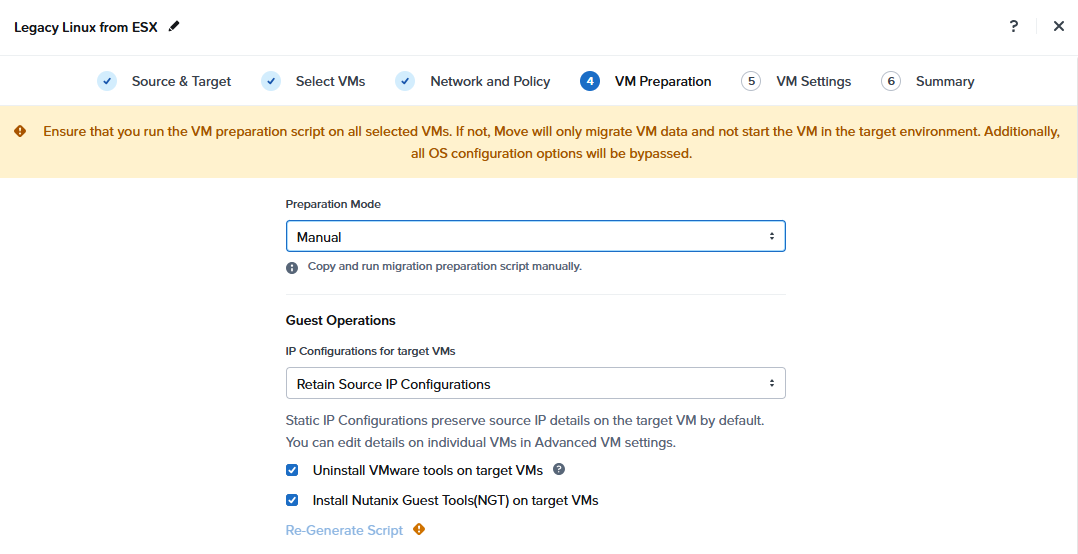
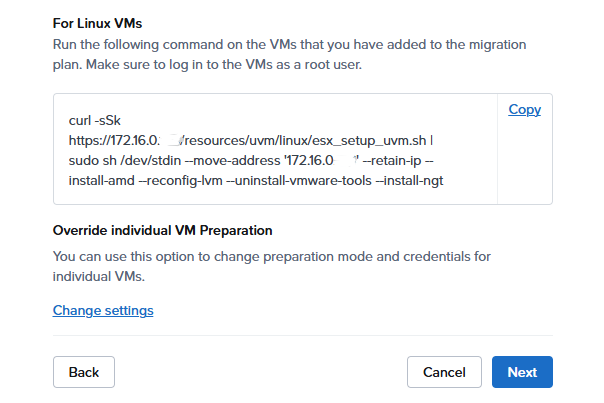
Copy the provided preparation script - Note your move ip address will be embedded
curl -sSk https://<Move IP>/resources/uvm/linux/esx_setup_uvm.sh | sudo sh /dev/stdin --move-address ’Move IP’ /--retain-ip --install-amd --reconfig-lvm --uninstall-vmware-tools --install-ngt
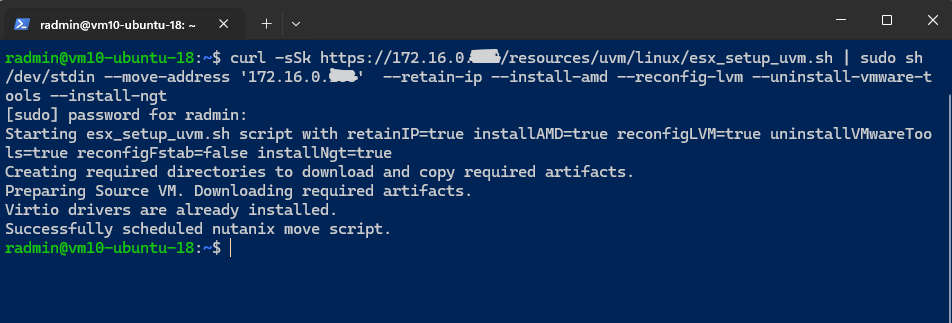
ssh to each system and run the script
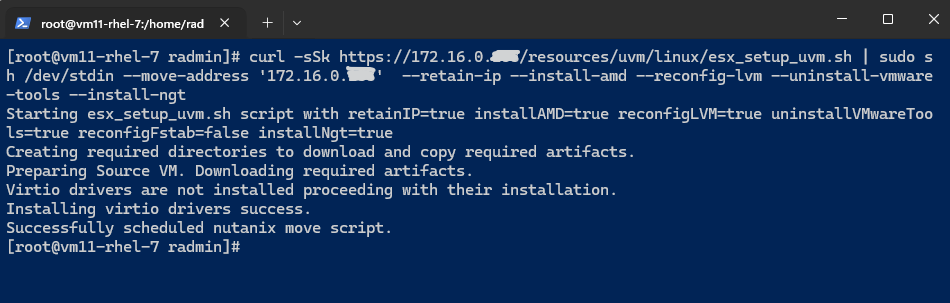
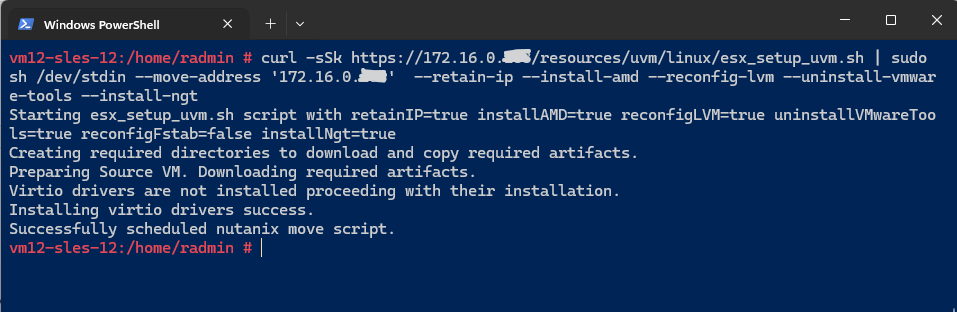
Centos reports an issue
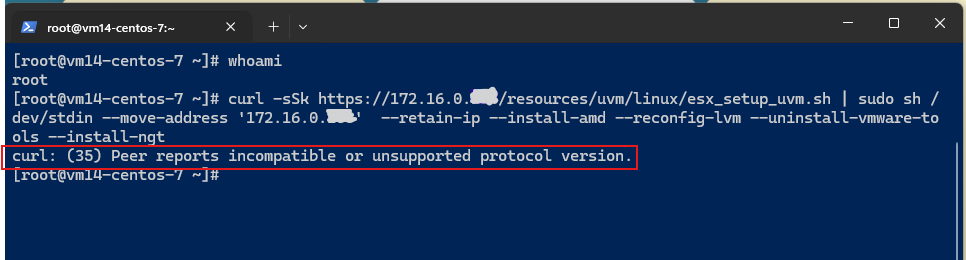
It is not possible to update the curl library to fix the problem as there are no longer any active repositories for Centos 7
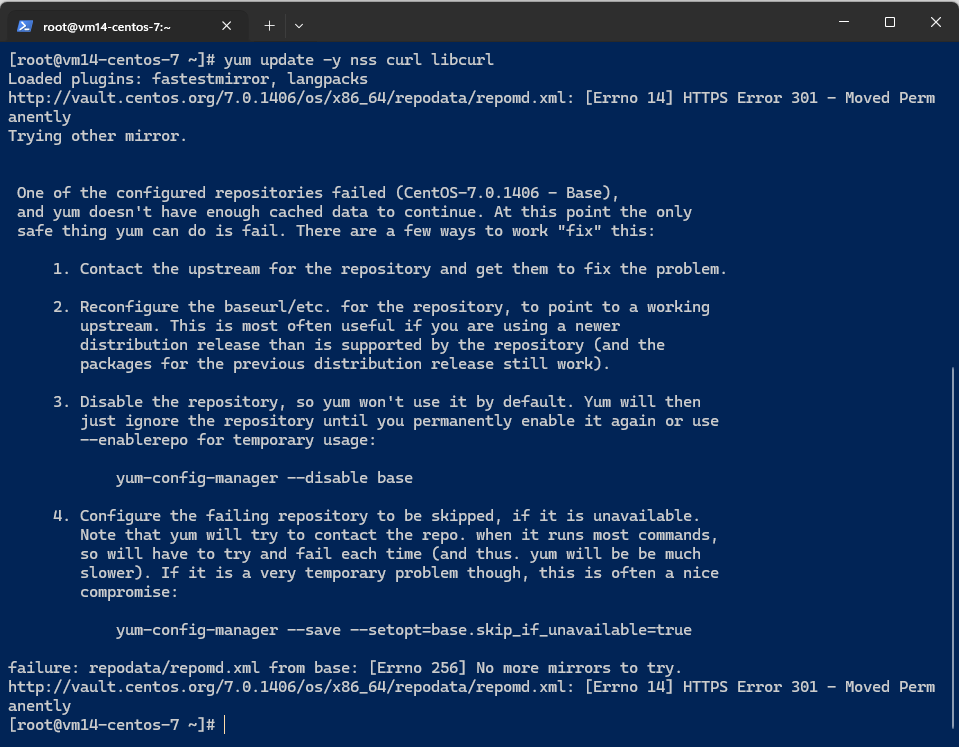
While there is a vault archive, and theoretically its possible to point to it as the repository, it highlights the complexity of migrating legacy systems.
At this point I removed CentOS from the migration plan
VM Settings
Keep as default
Summary
Check the details and start the migration
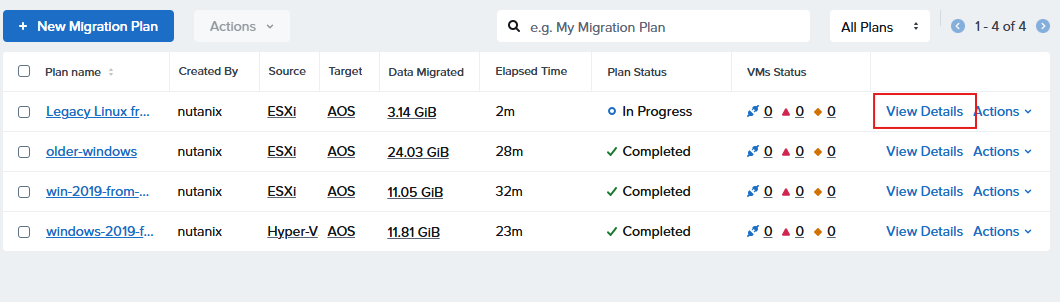
The various stages of migration are indicated though View Details
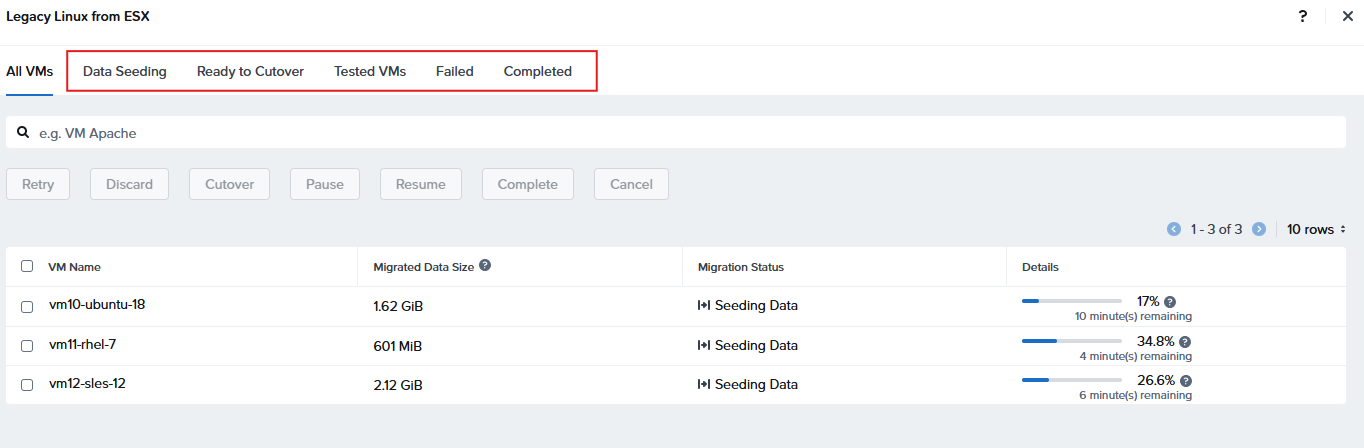
Once data is seeded the option to cutover will appear
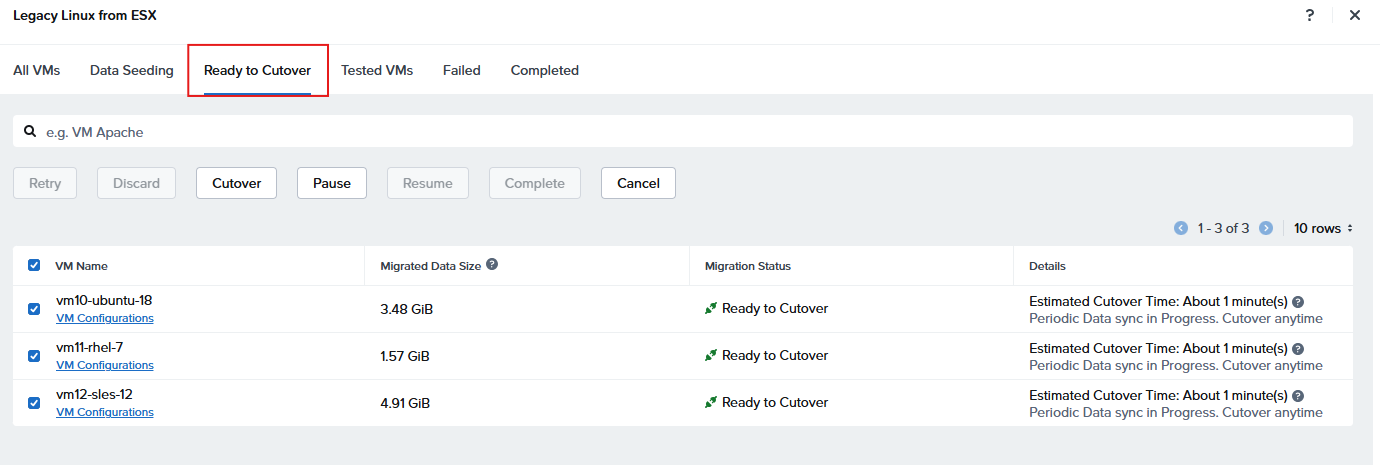
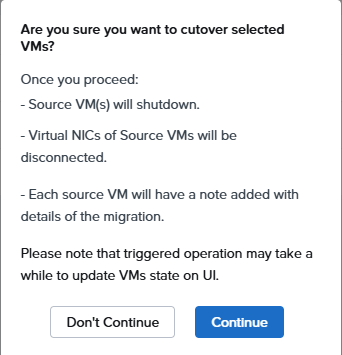
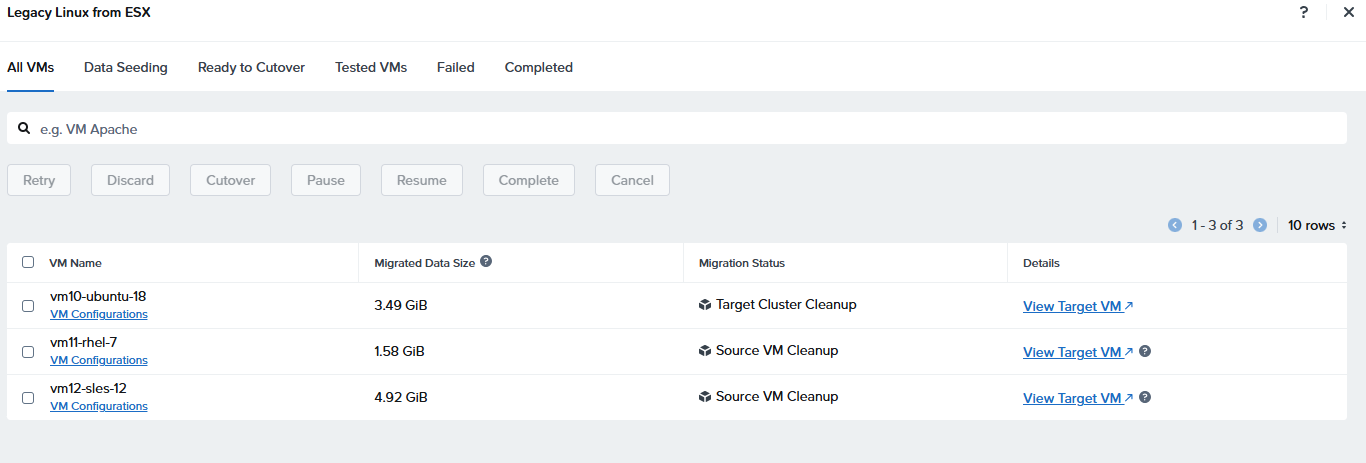
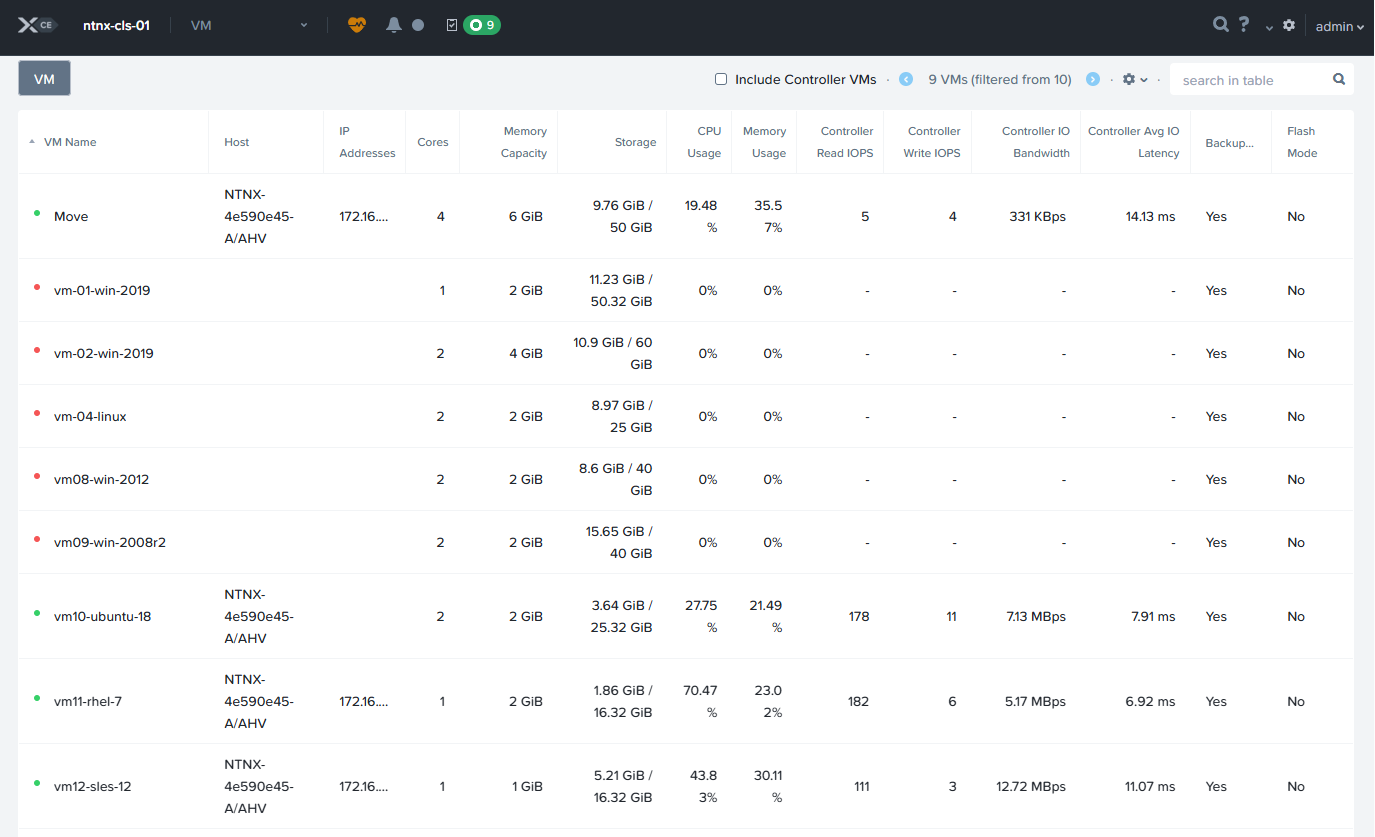
Open the console to each instance and test logon, and network connectivity
Conclusion
Older mainstream legacy Linux distributions typical in Enterprises are supported, however free distributions that are EOL such as Centos or Rocky Linux have challenges
#MCExperts, #MCX